
Blog · March 12, 2026 · 7 min read
How to Create SOPs Automatically with an AI Generator
Stop typing procedures from memory. Here's how an AI SOP generator turns a recorded walk-through into a finished, shareable standard operating procedure.
- SOPs
- AI
- Manufacturing
- Documentation
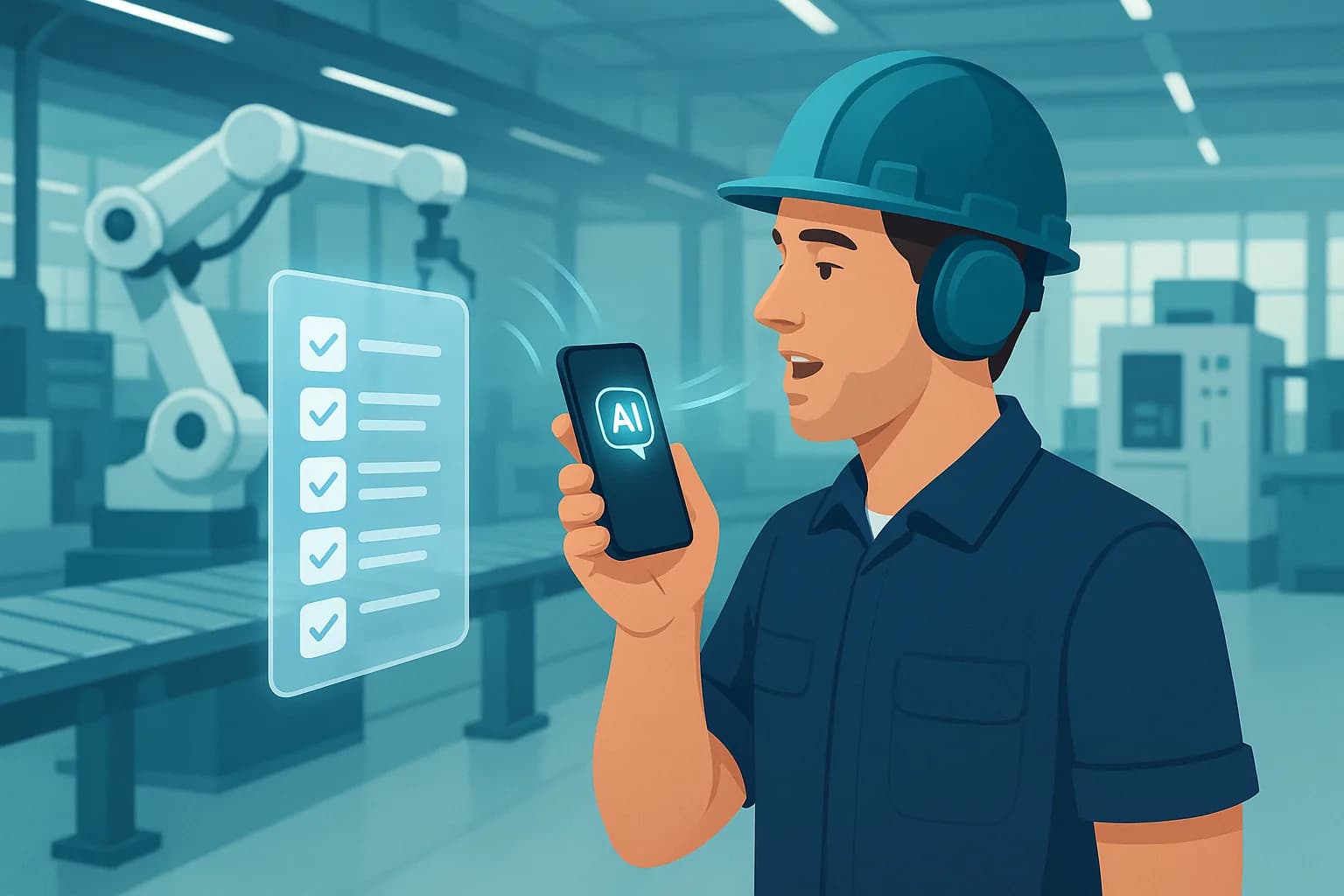
To create an SOP automatically with an AI generator, you record yourself doing the task once, then let the AI turn that recording into written, ordered steps that you review and export. Instead of sitting down to type a procedure from memory, you capture the work as it actually happens and the tool does the writing.
That is the whole shift: the recording is the input, the SOP is the output. Below is exactly how it works, what to look for in a generator, and why the way you capture the task matters more than most tools admit.
Key takeaways
- An AI SOP generator converts a recorded task into draft steps. You capture once, it writes.
- The fastest path is four steps: record, let the AI draft, review and edit, then export and share.
- How you capture matters. Screen recording suits on-screen software tasks; voice and photo capture suits hands-on physical work.
- AI drafts, a human approves. The reviewer is what turns a draft into a trustworthy SOP.
- Good generators export to formats your team already uses, like PDF and DOCX, with no lock-in.
What does it mean to generate an SOP automatically?
A standard operating procedure (SOP) is a written, step-by-step description of how to do a recurring task the right way. Writing one by hand is slow and error-prone, because the expert doing the work rarely has time to stop and type, and details get lost between doing and documenting.
An AI SOP generator removes the typing. You demonstrate the task while a tool captures it, and AI converts that capture into a structured draft: a title, ordered steps, and the relevant images. You move from author to reviewer, which is faster and far less painful.
How to create an SOP automatically in 4 steps
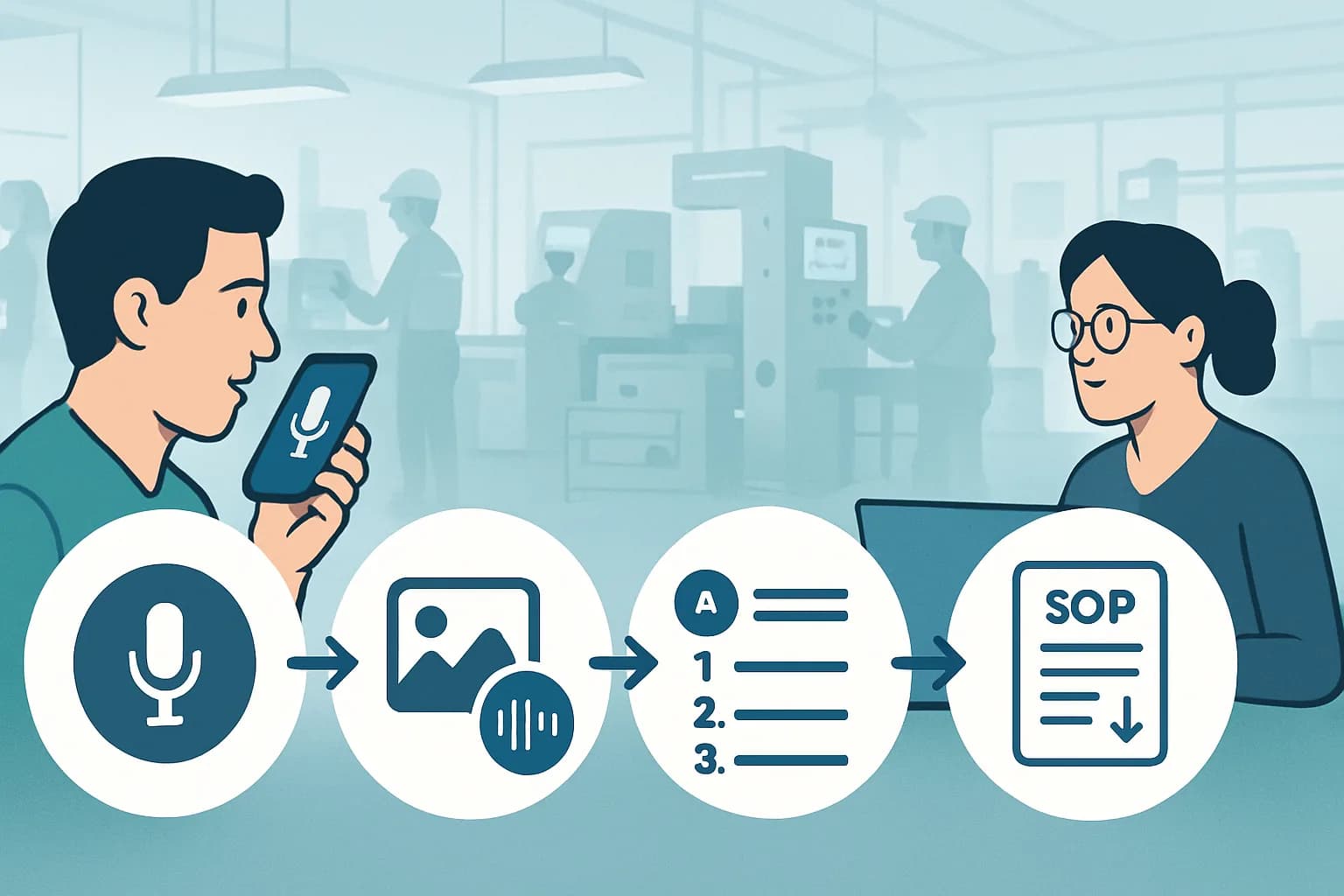
1. Record the task as you do it
Start the capture and walk through the procedure the way you normally would. With a voice-based tool like sopmodo, you narrate what you are doing on the floor and tap the shutter whenever a step needs a photo. There is no separate note-taking, you just do the work and talk through it.
2. Let the AI draft the steps
When you stop the capture, the AI transcribes your narration and turns it into titled, ordered steps, aligning each photo to the moment you described it. What was a single walk-through becomes a structured first draft in minutes.
3. Review and edit
This is the step that matters most. Read the draft, fix wording, reorder anything out of sequence, set a cover image, and annotate the photos. The AI gets you most of the way; the human makes it correct. A generated SOP is only as trustworthy as the review behind it.
4. Export and share
Export the finished procedure in a format your team already uses, then share it. sopmodo exports to PDF and DOCX with the same layout on the phone, on the web, and on paper, so the same SOP works as a digital work instruction or a printed sheet and what you approve is what your team reads.
What to look for in an AI SOP generator
- Capture that fits your work. Can it record the way your task actually happens, on a screen or on a floor?
- A real review step. You should be able to edit every step, reorder them, and fix the photos before publishing.
- Clean exports. PDF and DOCX at minimum, so the SOP lives outside the tool.
- No lock-in. Your recordings, photos, and procedures should be yours to take with you.
- Team access. Roles so the right people can author, review, and read.
Voice capture vs screen recording: which generator fits?
Most AI SOP generators are built around screen recording: a browser extension captures your clicks and screenshots while you complete a task on a computer. That is excellent for software and back-office processes. It does nothing for a procedure that happens away from a screen.
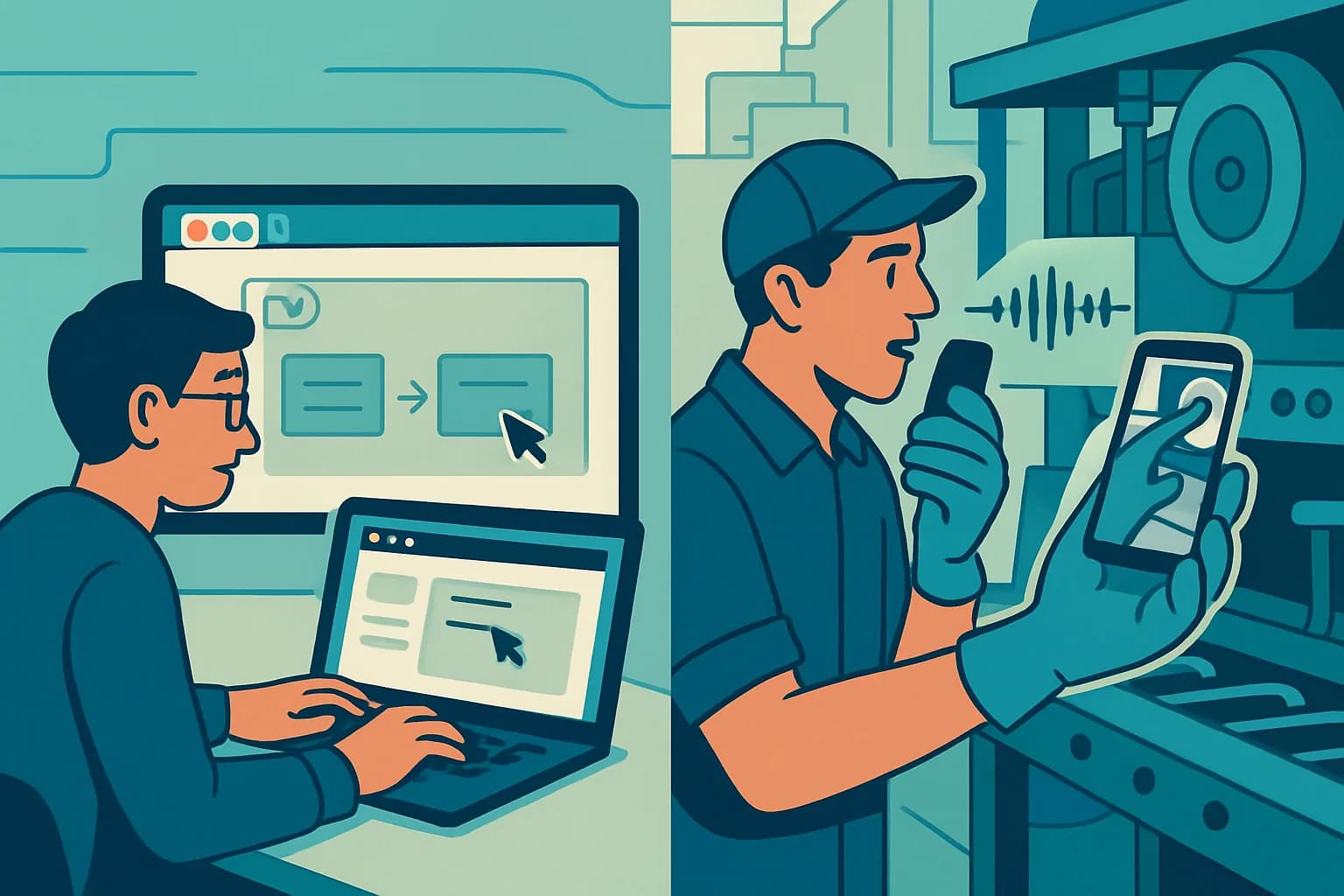
If the work is physical, changing a machine over, calibrating a fixture, running a maintenance check, there is no screen to record. You need voice and photo capture done one-handed on the floor. That is the gap sopmodo is built for.
| Screen-recording generators | Voice capture (sopmodo) | |
|---|---|---|
| Best for | On-screen software tasks | Hands-on physical tasks |
| How you capture | Browser extension records clicks and screenshots | Narrate on a phone, tap the shutter for photos |
| Where it works | At a desk | On the floor, one-handed, with gloves on |
| AI output | Steps from screen actions | Steps from your spoken narration plus photos |
| Export | Links, PDF, HTML | PDF and DOCX, identical on phone, web, and paper |
Neither approach is better in the abstract. The right generator is the one that can capture your task. For desk work, a screen recorder wins; for floor work, voice capture is the only thing that fits.
A quick checklist before you publish
- Every step is in the order someone would actually perform it.
- Each photo shows what the step describes, cropped and annotated where useful.
- Wording is plain enough for a new operator to follow without asking.
- Safety-critical steps are explicit, not implied.
- The title and cover make the SOP easy to find later.
- It is exported in a format your team can open and print.
Frequently asked questions
Does the AI write the whole SOP, or do I still edit it?+
How long does it take to generate an SOP?+
Can I generate SOPs for physical, hands-on work?+
What format do the finished SOPs come in?+
Do I need to be a good writer to use an AI SOP generator?+
The bottom line
Creating SOPs automatically with an AI generator comes down to four moves: record the task, let the AI draft the steps, review and edit, then export and share. The biggest decision is how you capture the work, because the best generator is the one that fits the task. For physical, on-the-floor procedures, that means recording by voice instead of typing from memory, and letting the AI turn your walk-through into a procedure your whole team can follow.
Try sopmodo
Turn your next walk-through into an SOP.
Record a task by voice on the floor; review and export the written procedure on the web. Bring it to your whole team.