RECField-floor documentation

Record the work.
Ship the manual.

sopmodo turns a narrated walk-through on the factory floor into a polished Standard Operating Procedure. Photos line up with your voice. Steps get drafted. Exports look the same on the phone, on the web, and on paper.
01 · Phone
Capture on the floor.
02 · Web
Review, edit, annotate.
03 · Share
PDF · DOCX · web link.
FIG. 1 · From phone to documentCapture → AI → Web
●REC 7
REC03:42
ITEM 01
android · capture
AI
SOP-2410-018PG 1/3
ITEM 02
output.pdf
Capture on the phone→ AI draft →Review on the web
A factory technician in light coveralls and work gloves photographs equipment with a phone on a bright, modern shop floor.
FIG. 2 · On the floor, where it actually happens

Where it actually happens

“A shutter where your thumb already is. An audio bar at the bottom of the screen, because you can’t see the top with gloves on.”

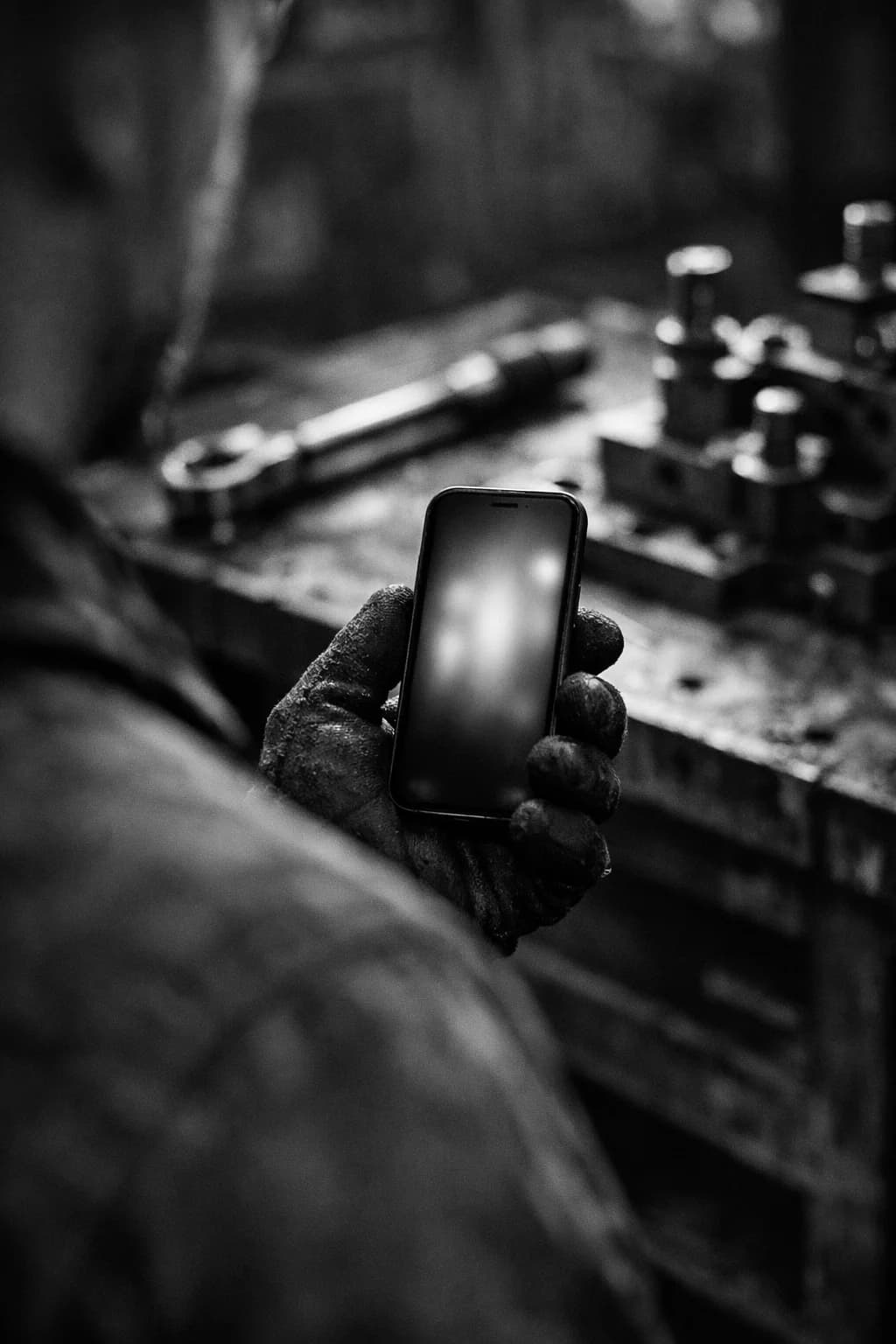
The phone never has to leave your hand. The interface is designed for one-handed use on a noisy floor, between a fixture jig and the next step on the line. Sopmodo holds the camera so you can hold the wrench.

FIG. 3 · The dashboard

Phone for the shop.
Web for the rest.

Every SOP your team records on the phone lands in the web dashboard. Browse the whole library, open a procedure, tighten a sentence the AI got wrong, mark up a photo with a highlighter or an arrow, set a cover image, invite a new member to the org. The phone is the camera; the web is where the document gets sharpened before it goes out.

  • The library at a glance. Cards for every SOP in your organization, filterable by author, tag, status.
  • Edit any step. Refine the AI draft, swap a photo, reorder, add a step, delete one.
  • Annotate the photos. Highlight a torque value, circle a connector, mark the right side of a fixture.
  • Roles built in. Admins see the whole library and invite members. Members edit what they author.
sopmodo.com / sops / sop-2410-018
sopmodo
Admin

sop-2410-018 · ready

Test fixture calibration · Line 3

Export PDFDOCX
#2

Mount calibration jig

Seat the jig onto the press plate, then torque the M8 bolts to 4.5 Nm in a star pattern.

EditAnnotateAI-drafted

Run autocal sequence

Press AUTO on the controller and log the offsets reported on the readout.

EditEdited by Marco
#3

How it works · in three moves

A camera in your hand,a draft on your desk.

01

Capture on the phone

Tap once. Narrate the procedure. Tap the shutter when a step needs a photo. The phone aligns each photo with what you said and drafts the SOP for you.

Android · Italiano + English
02

Review on the web

Open the dashboard, see every SOP your team has captured, edit step text, annotate or highlight photos, set a cover. Members edit their own; admins see the whole library.

Dashboard · annotation · roles
03

Share anywhere

Export as a PDF or DOCX with the cover page, four steps per page, alternating image and text. Same layout on the phone, on the web, and on paper.

PDF · DOCX · web link

Why sopmodo

Built for the floor.
Trusted in the office.

The phone is for the people doing the work. The dashboard is for the people checking it. Same SOP on both screens, same export when it comes off the printer.

  • Works one-handed

    Shutter at the bottom of the screen, audio bar live, photos roll in as you talk.

  • Identical exports

    PDF and DOCX share one layout engine. What you print matches what you signed off.

  • Org-scoped access

    Admins invite members. Members only edit what they author.

  • No vendor lock-in

    Your audio, photos, and SOPs export plain. Postgres rows out, S3 keys out.

Pricing · two lines, no fine print

A seat to work.Credits to draft.

Pay per person for access, and per thousand credits for the AI that turns your voice into a procedure. That’s it.

Plan 01 · Seat

Per user

One price for one person, everywhere. Capture on the Android app, review and export on the web. No tiers, no feature gates.

€4.99/ user / mo
  • Android capture app + full web dashboard
  • Unlimited SOPs, steps, and photos
  • Photo editing: crop, annotate, and highlight
  • PDF & DOCX export with the shared layout engine
  • Org roles: admins invite, members author
Plan 02 · Metered

AI credits

Transcription and step-drafting run on credits. Buy a pack, draw it down as you record. Pay only for what the AI actually does.

€10/ 1,000 credits
  • Covers both speech-to-text and step drafting
  • Top up in packs, credits never expire
  • Live balance on the dashboard, per-SOP cost shown
  • Shared across your whole organisation

Worked example · a 5-person crew

Five operators each get a seat. They share one pool of AI credits for the month, enough to draft dozens of SOPs from voice before the pack runs dry.

Request access
5 seats × €4.99
€24.95 / mo
1 credit pack (1,000)
€10.00
Monthly total
€34.95

FAQ · the short answers

Everything you might askbefore recording your first SOP.

Still unsure about something? Sign in and try it, or reach out before you roll it out to your crew.

What is sopmodo for?
It turns a voice-narrated walk-through into a written standard operating procedure. You film and talk through a task once on the phone, and sopmodo drafts the step-by-step SOP, with photos, for your team to review and share.
Who is it built for?
Teams that do hands-on work on a floor, like manufacturing, maintenance, labs, food production and field service, where the person who knows the procedure rarely has time to sit and type it up.
How do I capture a SOP?
Open the Android app, tap record, and narrate the task as you do it. Tap the shutter whenever a step needs a photo. The app keeps the audio and photos aligned, then drafts the steps from what you said.
What does the AI actually do?
Two things: it transcribes your spoken narration, and it turns that transcript into titled, ordered steps. It drafts; a human always reviews and edits before the SOP is final.
Can I edit the SOP after it's drafted?
Yes. On the web dashboard you can rewrite any step, reorder them, change the title and metadata, set a cover photo, and crop, annotate or highlight the photos. The phone is for capture; the web is for polishing.
What languages are supported?
Capture and drafting work in Italian and English today, so you can narrate in either and get a clean SOP back in the same language.
How do exports work?
Export any SOP as a PDF or DOCX. Both use one shared layout, a cover page then four steps per page alternating image and text, so what you print matches what you saw on screen and on the phone.
Who can see and edit our SOPs?
Access is scoped to your organisation. Admins invite members and see the whole library; members can edit the SOPs they authored.
Is my data locked into sopmodo?
No. Your SOPs export as plain PDF and DOCX, and the underlying audio and photos are yours. There's no proprietary format you'd have to escape to leave.
Do I need both the app and the website?
They're two halves of one workflow. The Android app is where recording happens; the web app is where you review, edit, annotate and export. A single seat covers both for each person.

Ready when you are

Bring sopmodo to your team.

Leave your name and email and we’ll set you up with access. Already on board? Sign in to view your SOPs.