
Blog · April 15, 2026 · 8 min read
Digital Work Instructions vs Paper SOPs in Manufacturing
Paper SOPs go stale the moment the line changes. Here is why manufacturers move to digital work instructions, what that actually means, and where to start.
- SOPs
- Digital Work Instructions
- Manufacturing
- Operations
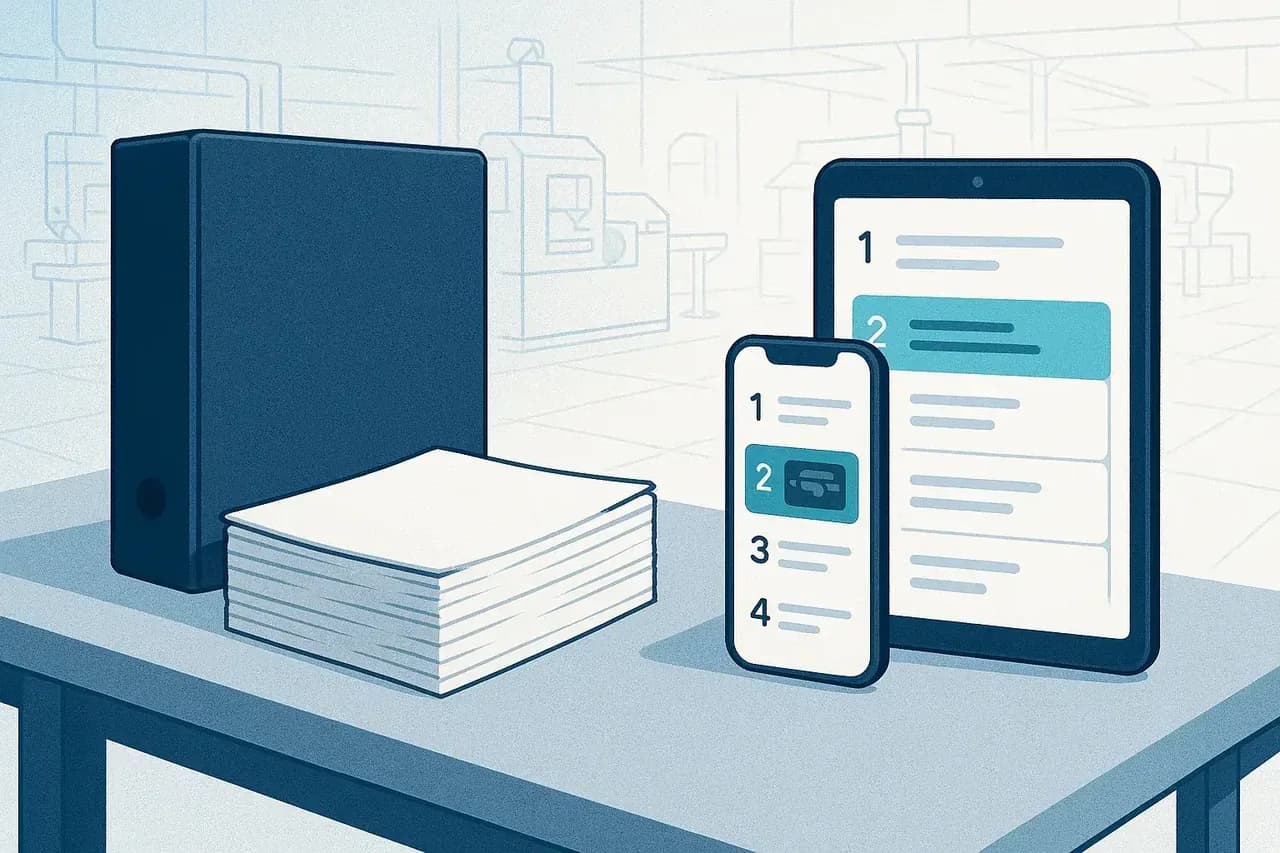
If you are deciding between paper SOPs and digital work instructions, the short answer is to move to digital: paper procedures describe how a job should be done, while digital work instructions put the current procedure in front of the operator at the moment they do it. The difference is not the file format. It is whether the procedure is a reference document gathering dust in a binder or an active guide at the point of work.
This post is about why paper fails and what going digital actually means. It is not a how-to-write-an-SOP guide. The goal here is the strategy: the real problem with paper, what digital changes, the trap of calling a PDF on a tablet "digital," and why AI has finally made the switch affordable.
Key takeaways
- Paper SOPs describe the work. Digital work instructions deliver it at the point of execution, which closes the gap between the written procedure and what actually happens on the floor.
- A binder goes stale the moment the line changes. Static documents cannot keep pace with a process that keeps moving.
- Putting PDFs on tablets is not digitization. The content has to be active, appear where the work happens, and stay current.
- The hard part of digital SOPs has always been creating and maintaining the content, not the screen it lives on.
- AI that drafts steps from a recorded walk-through removes that bottleneck, which is what finally changes the economics.
The real problem with paper SOPs
A standard operating procedure (SOP) is the written, approved way to do a recurring task. On paper, the trouble starts the instant it is printed. The document is a snapshot of how the job worked on the day someone wrote it, and the job keeps changing.
Two failures show up again and again. The first is the gap between the written procedure and what is actually executed on the floor. The binder says one thing, the experienced operator does another, and the new hire copies whoever is standing next to them. Knowledge lives in people's heads, not in the document.
The second is staleness. The moment a fixture changes, a step is added, or a tolerance tightens, the binder is wrong. Updating it means editing a master file, reprinting, walking copies to every station, and trusting that the old pages actually get pulled. In practice, several versions circulate at once and nobody is sure which one is right.
Paper also makes the procedure hard to reach. It is in a folder at one station, not in the hands of the person three machines away who needs it now. When the correct method is inconvenient to find, people stop looking, and the SOP quietly stops being followed.
What "digital work instructions" actually means
Digital work instructions are procedures delivered to the operator at the point of execution, in the order they are needed, with the photos and detail required to do the step correctly. The key word is active. A paper SOP is a reference you go and consult. A digital work instruction is a guide that meets the work where it happens.
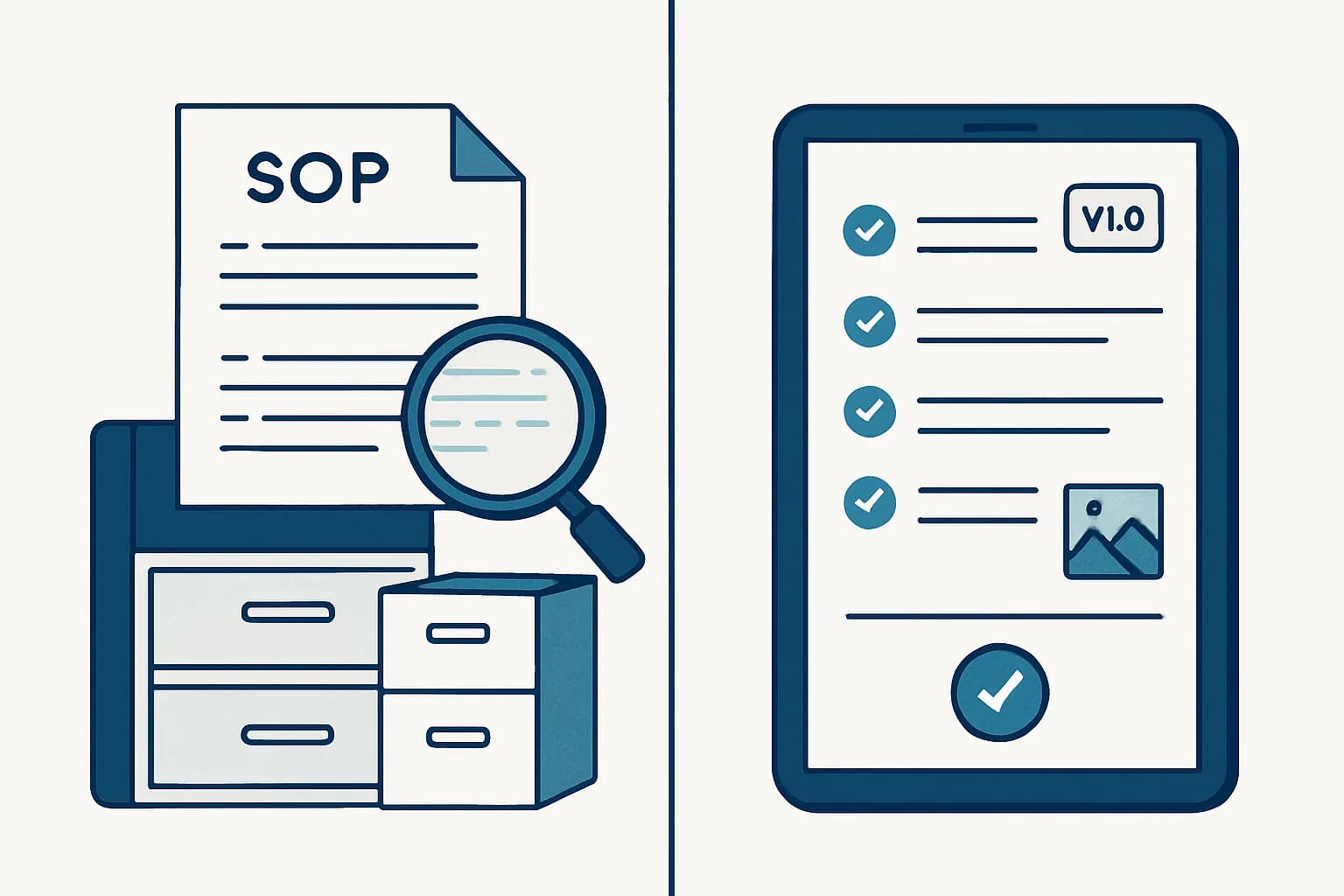
That shift changes what the procedure is for. A static SOP is a record of how the job should be done. A digital work instruction is a tool for doing the job now: it can show one step at a time, surface the right photo for the part in front of you, and always reflect the latest approved version because there is only one source. When the process changes, you update once and every station sees the new version immediately.
Underneath, this is really about turning scattered, tribal knowledge into shared knowledge infrastructure. The procedure stops being a document someone owns and becomes a living asset the whole floor draws from.
Putting PDFs on tablets is not digitization
This is the trap most plants fall into first. You scan the binder, drop the PDFs on a few tablets, and call it digital. It is not. A PDF on a screen is still a static document. It still goes stale, it still has to be hunted through, and it still describes the work instead of guiding it.
Genuine digitization means three things at once. The content is active, not a flat page you scroll. It appears where the work happens, at the station and in the operator's hands, not buried in a shared drive. And it stays current, updated in one place so the version on the floor is always the approved one.
Miss any one of those and you have just moved paper onto glass. A tablet showing last year's PDF is no more current than the binder it replaced. The screen is not the point. The state of the content is.
Paper SOPs vs digital work instructions, side by side
| Dimension | Paper SOPs | Digital work instructions |
|---|---|---|
| Accessibility | In a binder at one station; hard to reach when you need it | On a screen or device at the point of use, available across the floor |
| Keeping current | Reprint and redistribute; old copies linger | Update once at the source; every station sees the latest version |
| Version control | Multiple versions circulate; unclear which is right | One source of truth; the approved version is the only one shown |
| Visuals and photos | Grainy printed images, fixed and easily outdated | Clear photos tied to each step, easy to swap when the part changes |
| Traceability | Hard to know who read or followed which version | Changes and versions are recorded, so you can see what was current |
| Point of use | A reference you go and consult | An active guide delivered where and when the work happens |
| Onboarding speed | New hires learn from whoever is nearby | New hires follow the current, approved steps directly |
None of these dimensions is about the file format. Each one is about whether the procedure is static and remote or active and current. That is the whole case for going digital.
Why AI changes the economics of going digital
Here is the honest reason most plants stayed on paper: the screen was never the hard part. The hard part was always creating and maintaining the content. Building good digital work instructions for hundreds of tasks, with the right steps and the right photos, is enormous work, and keeping them current as the floor changes is a job that never ends.
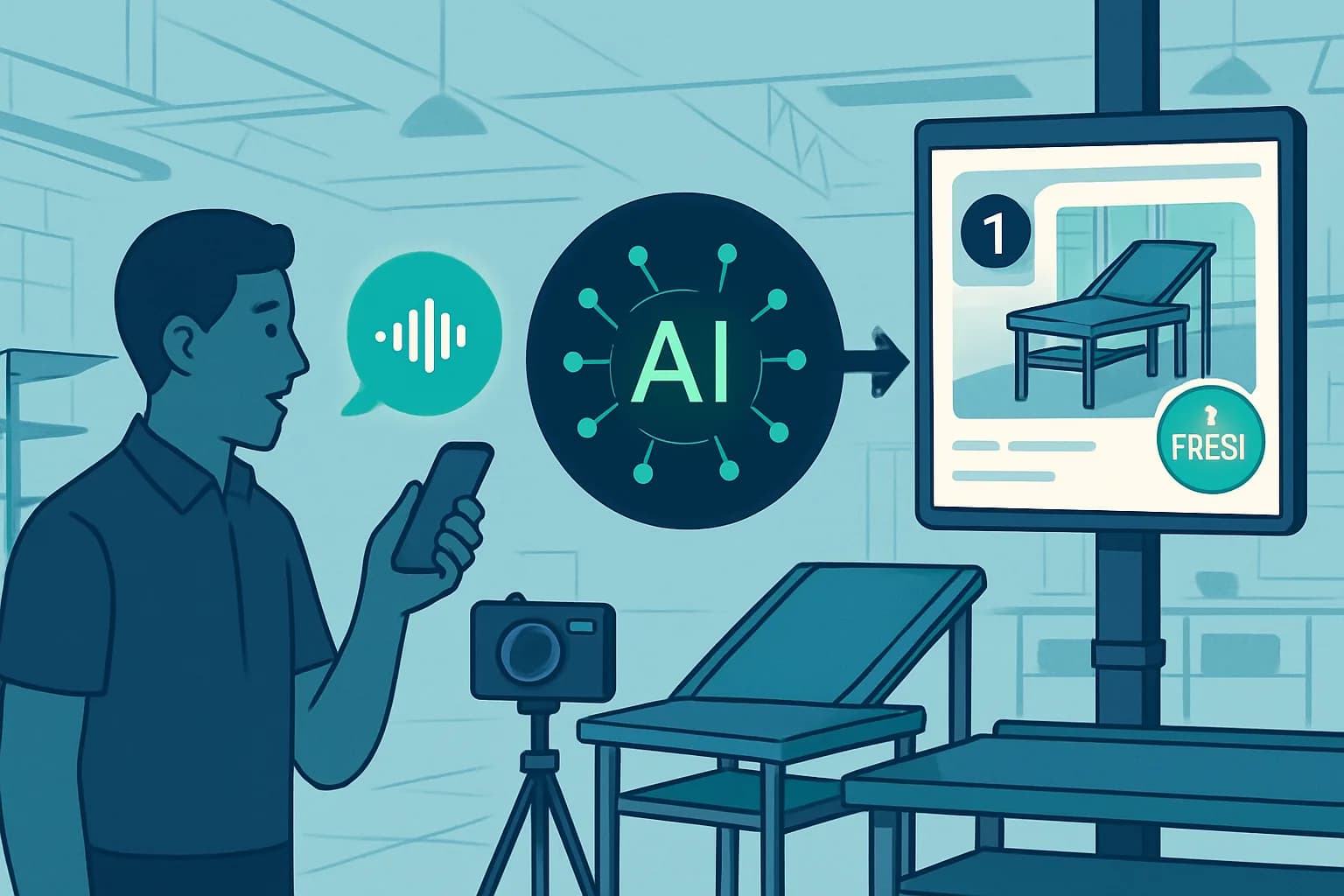
That is the bottleneck AI removes. Instead of an engineer sitting down to write and illustrate every procedure, an operator records a walk-through of the task, and AI drafts the steps from it. The expensive part, turning real work into a structured, illustrated instruction, gets cheap. This is where sopmodo fits: an operator captures a task by voice and photos on the phone, the AI drafts the SOP, and a reviewer edits and exports it to PDF or DOCX. We walk through that capture-to-draft flow in detail in how to create SOPs automatically with an AI generator.
The same economics apply to the part everyone underestimates: maintenance. When a step changes, you do not rewrite a document. You re-record the part that changed and let the AI redraft it. Keeping instructions current stops being a project and becomes a habit, which is the only way digital work instructions actually stay current in practice.
Onboarding is the first stress test
If you want to know whether your procedures are real or theoretical, watch a new hire use them. Onboarding is where the gap between the written SOP and the executed work becomes obvious. With paper, the new operator either deciphers a stale binder or, more often, learns by shadowing whoever is free, which quietly copies that person's shortcuts and mistakes into the next generation.
Digital work instructions change the first week. The new hire follows the current, approved steps at the station, with photos of the actual parts, and reaches competence on a known-good method instead of an oral tradition. The procedure trains the person, rather than the person guessing at the procedure. That is also why onboarding is usually the easiest place to prove the value of going digital before you roll it out everywhere.
Frequently asked questions
What is the difference between an SOP and a digital work instruction?+
Is putting our PDFs on tablets enough to count as digital?+
What makes digital SOPs hard to maintain?+
How does AI help keep SOPs current?+
Where should a manufacturer start when moving off paper?+
The bottom line
Paper SOPs fail because they are static and remote: they drift from what actually happens on the floor and go stale the moment the line changes. Digital work instructions win because they are active and current, delivered at the point of work and updated from a single source. The catch was always the cost of creating and maintaining that content, and that is exactly what AI now removes. Capture the work once, let AI draft the steps, keep them current as the floor changes, and the procedure finally matches the job.
Try sopmodo
Turn your next walk-through into an SOP.
Record a task by voice on the floor; review and export the written procedure on the web. Bring it to your whole team.